Search and “Recently used”
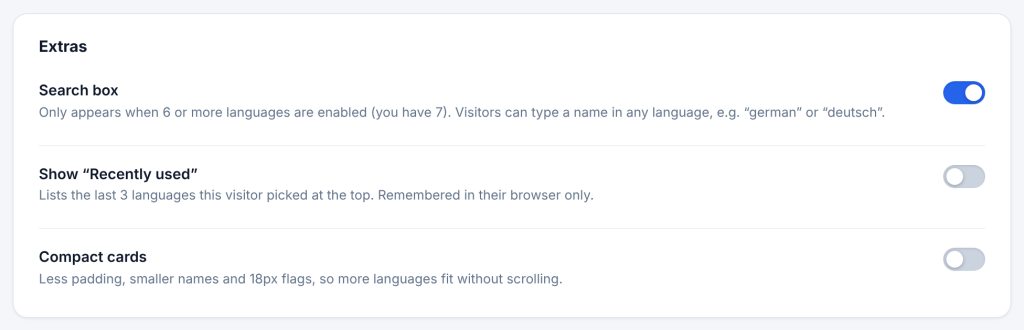
On the Modal tab, the Extras card has three switches.
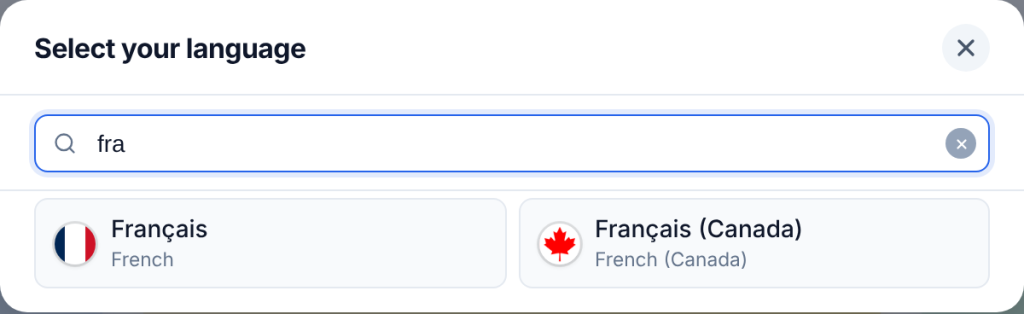
Search box (on by default). Adds a search box at the top of the window. It only appears when 6 or more languages are on, because with fewer languages it gets in the way. Visitors can type the language’s own name, its English name or its code, with or without accents: francais, french and fr all find Français. On desktops the search box is focused when the window opens, so visitors can type straight away.
Show “Recently used” (off by default). Lists the last 3 languages the visitor picked at the top of the window, above All languages. It is stored in the visitor’s own browser only (local storage) and never sent to your server.
Compact cards (off by default). Less padding, smaller names and 18 px flags, so more languages fit without scrolling. Good for sites with 20 or more languages.
Developers can change the 6-language minimum for the search box with the cls_pro_search_min_languages filter.