Light, dark and animations
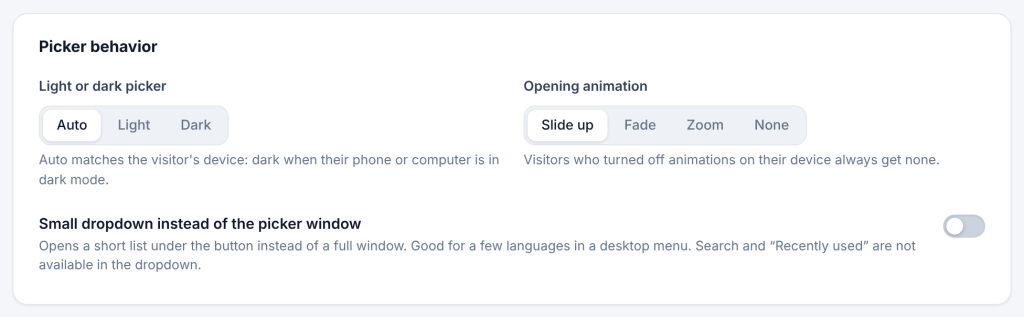
Go to Settings → Language Switcher → Advanced → Picker behavior.
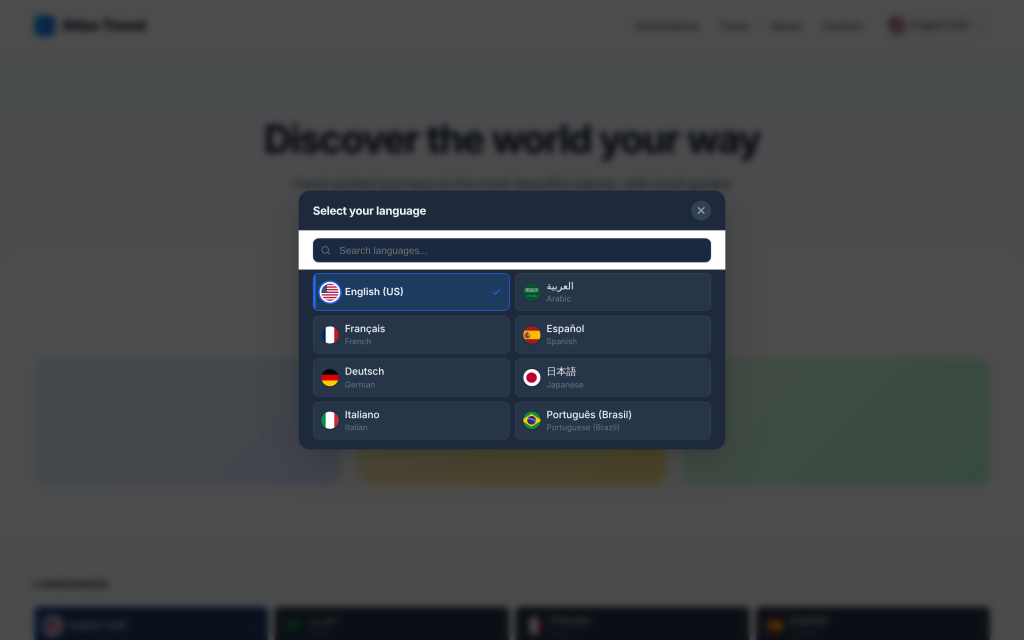
Light or dark picker
| Choice | Result |
|---|---|
| Auto (default) | Follows the visitor’s device: dark when their phone or computer is in dark mode |
| Light | Always light |
| Dark | Always dark |
If your site has no dark mode of its own, choose Light so the window matches your pages.
Opening animation: Slide up (default), Fade, Zoom or None. Visitors who turned off animations in their device settings always get none.
The window’s colors, light and dark, are on the Colors tab, and its font sizes on the Typography tab (see Design).