Getting updates
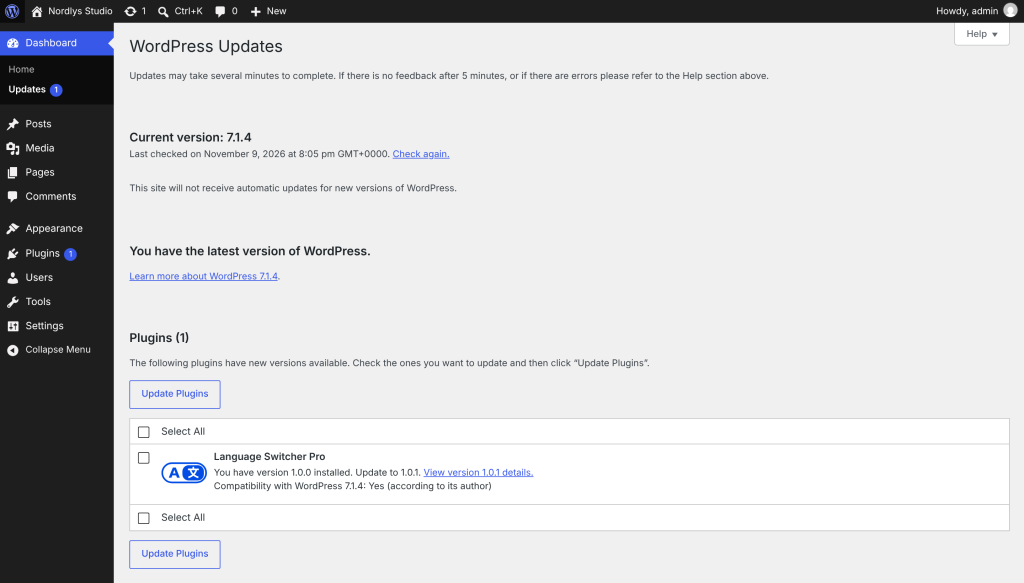
WordPress checks for plugin updates about twice a day. When a new version of Language Switcher Pro is out, it appears in Dashboard → Updates and on the Plugins screen, with the plugin’s icon and a View details link for the changelog. Update it like any other plugin, or turn on automatic updates for it on the Plugins screen.
Check right now. On the License tab, click Check for updates. The message tells you if a new version is available or you have the latest.