WPML
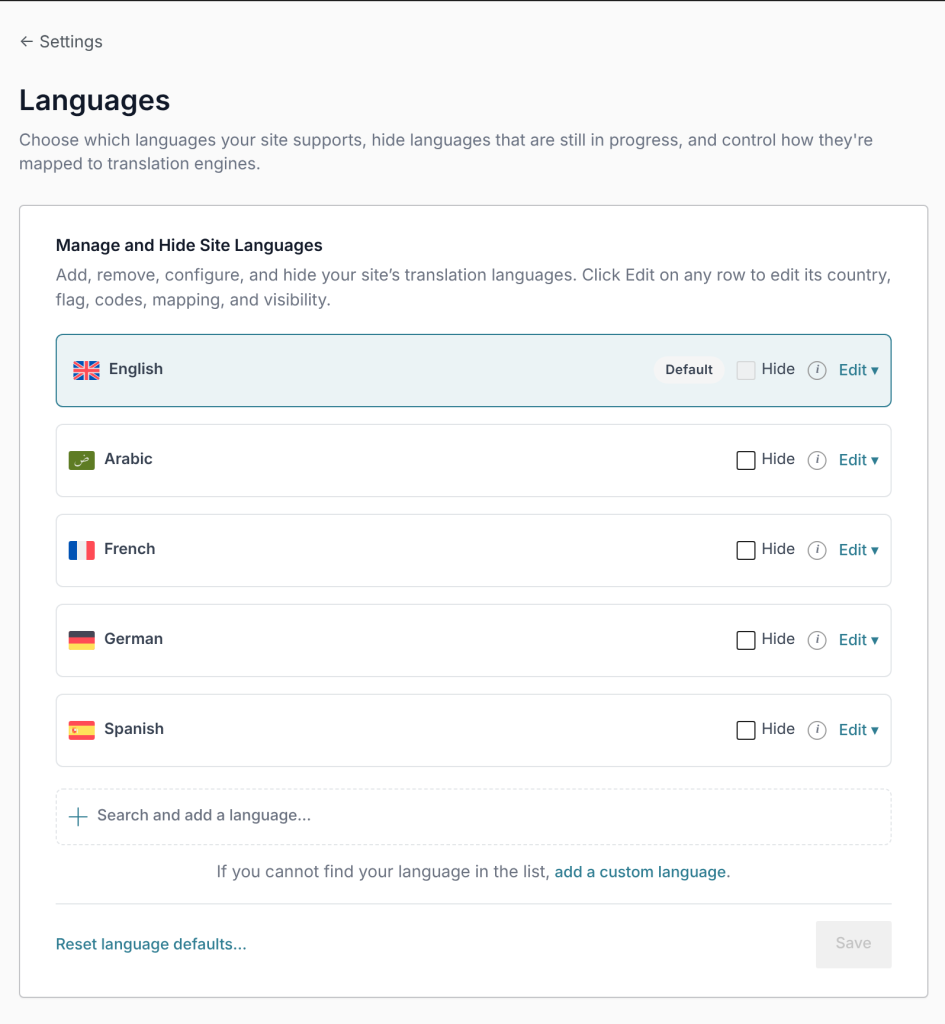
- Set up your languages in WPML → Settings → Languages.
- In Settings → Language Switcher → Languages, tick the same languages and choose the same default language.
- Add the switcher to your site and, if you wish, turn off WPML’s own language switchers in WPML → Settings → Language Switchers.
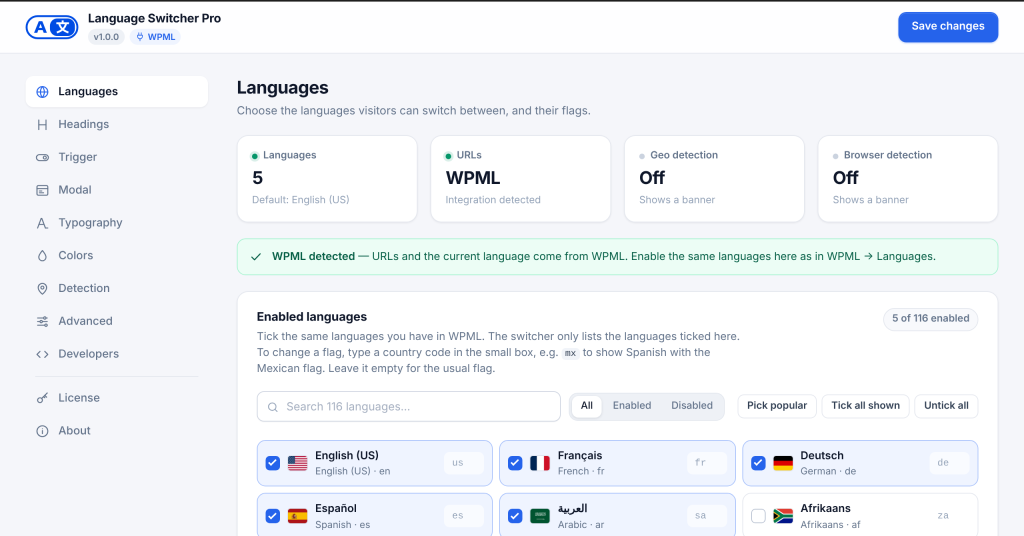
Language Switcher Pro detects WPML on its own. The Languages tab then shows WPML detected, and the URLs tile says WPML. Tick the same languages you have in WPML:
The plugin asks WPML for its language list, the same data WPML’s own switcher uses. Links follow translated slugs, categories and archives. When a page has no translation in a language, WPML decides where that link goes (usually that language’s home page).
Works with all WPML URL formats (set in WPML → Settings → URLs and SEO): directories (/fr/), a domain per language, and the ?lang= parameter.