A tour of the settings screen
All settings are under Settings → Language Switcher. Tabs are on the left (at the bottom of the screen on phones). Switching tabs is instant and keeps your unsaved changes.
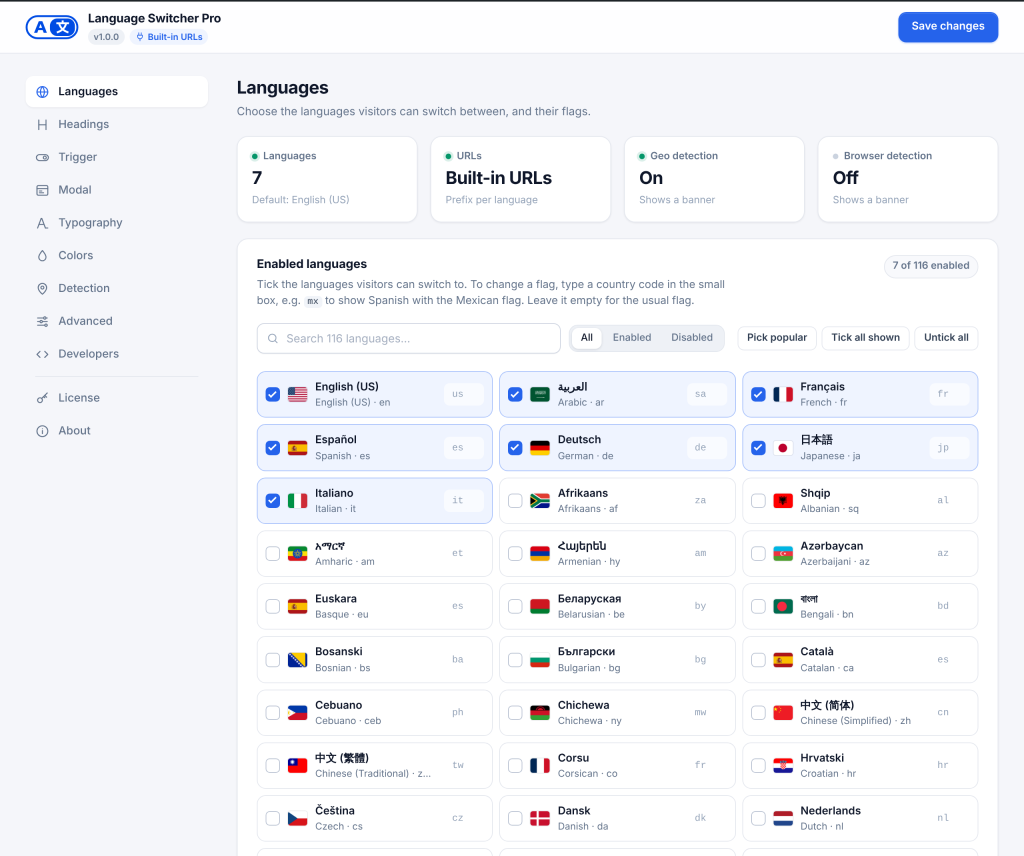
| Tab | What it is for |
|---|---|
| Languages | Which languages are on, their flags, and the default language |
| Headings | The title at the top of the language window, per language |
| Trigger | The look of the button that opens the language window, on desktop and phones |
| Modal | Layout of the language window: names, columns, flag size, search, recently used |
| Typography | Font sizes for the button and the language window |
| Colors | Every color (button, window, dark mode, banner) with live previews; colors as CSS for theming with AI; Custom CSS |
| Detection | Suggest a language by country or browser, and the suggestion banner |
| Advanced | Light or dark mode, animation, dropdown mode, cookie, analytics and SEO |
| Developers | Copy-ready shortcodes, block names, PHP, REST and JavaScript snippets |
| License | Activate your license to get updates |
| About | Version, system information for support, and credits |
Saving. Click Save changes at the top (or in the bar at the bottom on phones), or press Ctrl+S / Cmd+S. Your changes are saved without reloading the page and a message confirms it. If the plugin corrected a value (for example a flag code that does not exist), the message says so and the field shows the corrected value.
Unsaved changes. An Unsaved changes dot appears next to the save button as soon as you change something. If you try to leave the page, your browser asks you first.
Dimmed settings. Some settings only matter when another one is on, for example the banner’s message only matters when a suggestion is on. These settings stay editable, but they are dimmed with a short note telling you what to turn on.
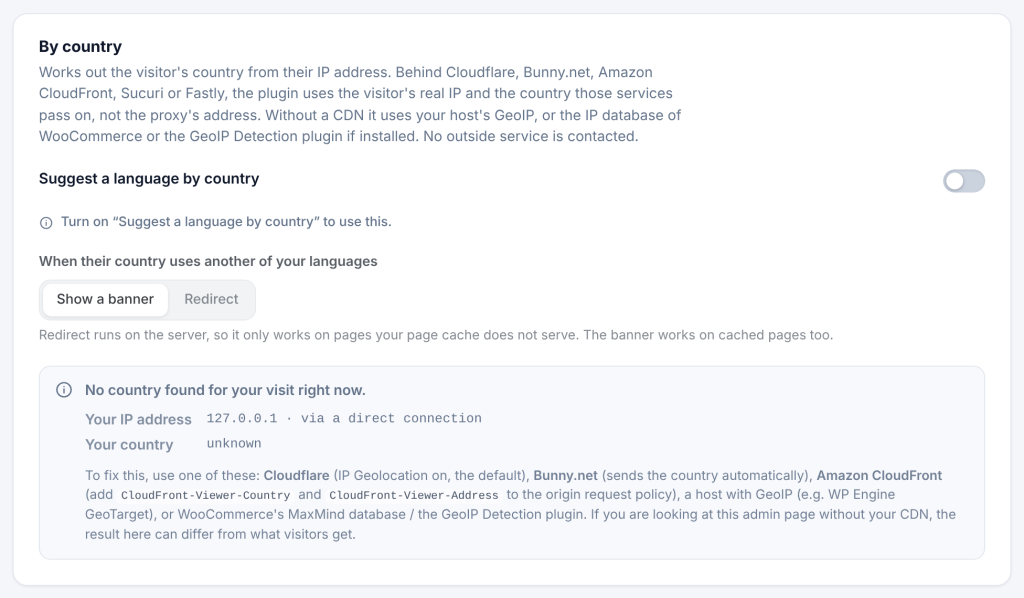
Grey text in boxes. An empty box with grey text means the plugin uses that grey value. Type in the box only when you want something different. Many boxes have a reset button that empties them again.