
How can we help?
Check the docs and the common fixes below, or send us a message. A real person answers every one, and support is included for 1 year from your purchase.
Most questions are answered here
How do I activate my license?
Log in to your customer dashboard to find your key. In WordPress, go to Settings → Language Switcher → License, paste the key and click Activate. Updates then show up in Dashboard → Updates.
Read the full guide →I'm moving to a new site. What do I do with the license?
On the old site, click Deactivate on this site on the License tab, then activate on the new one. Your license covers unlimited sites, so you can also just activate it on both.
Read the full guide →The switcher button doesn't appear
Some page builders draw menus their own way. Add the [cls_trigger] shortcode or the Language Switcher block where you want the button, or add a menu link to #cls-modal.
Read the full guide →Clicking the button does nothing
This usually comes from a caching or script-optimization setting that holds back the switcher's script. The guide shows what to check.
Read the full guide →Country detection doesn't find my country
Open Settings → Language Switcher → Detection. The status box shows your IP, how it was found and your country. On Amazon CloudFront, add the two country headers to your origin request policy.
Read the full guide →Redirects don't happen
Redirects only run when WordPress builds the page, so cached pages are served as they are. Use the banner instead: it's fetched per visitor and works on cached pages.
Read the full guide →I don't see the suggestion banner when I test it
Logged-in editors never see banners or redirects, and neither does anyone who already picked a language. Test in a private window.
Read the full guide →Switching language leads to a "page not found" error
With the built-in addresses, open Settings → Permalinks and click Save once so WordPress learns the new addresses. The guide covers the other causes.
Read the full guide →Still stuck? Send us a message.
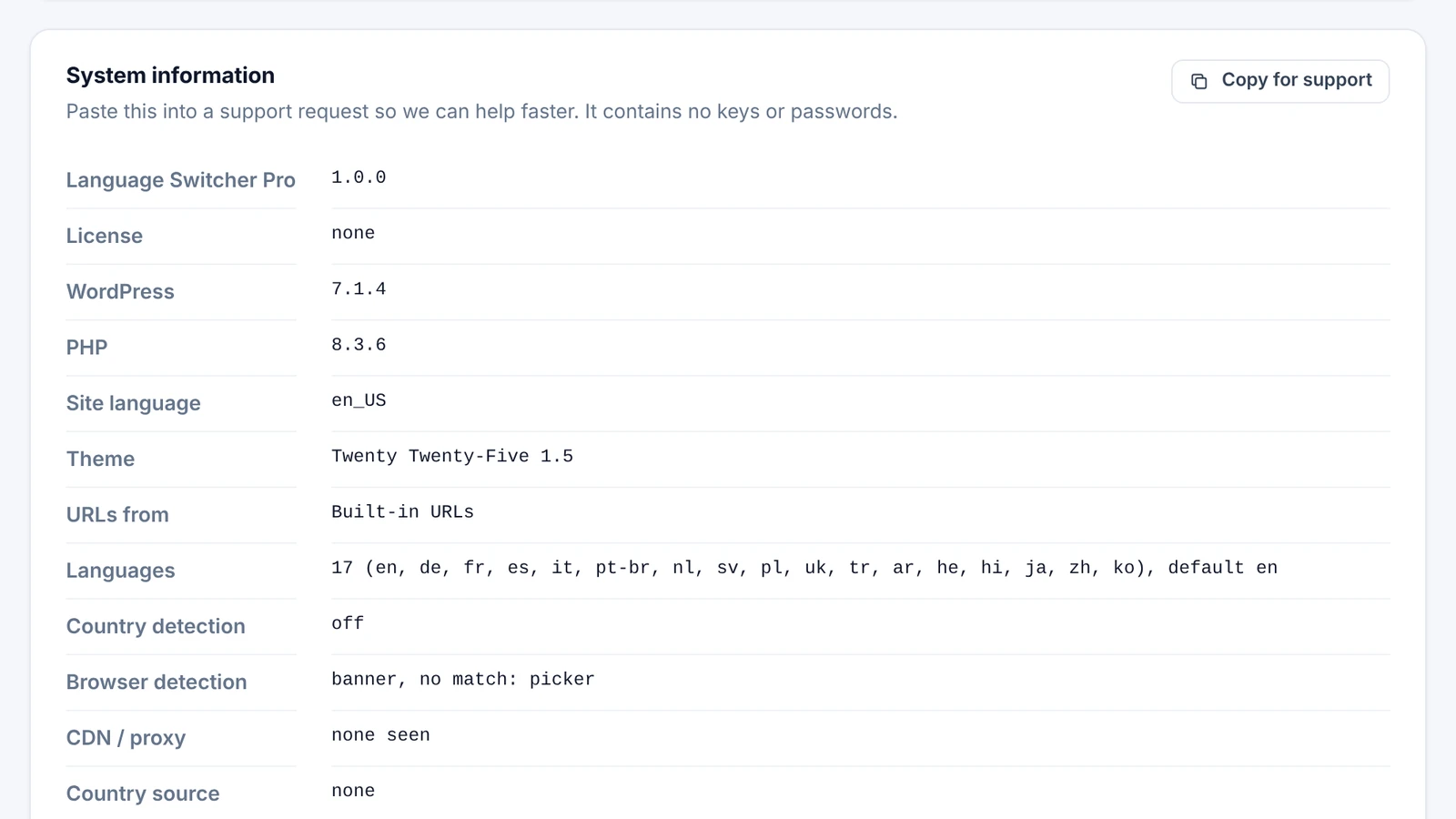
Support is included for 1 year from your purchase, and updates are lifetime. We usually reply within 1 to 3 business days. Pasting your system info saves a round of questions.
Questions before buying, or about a refund? Use the same form and pick the topic.
